Multivariate Forecasting and Covariates with Timestral
 Timestral Team
When to forecast several series together, how covariates work, and how to avoid the correlation traps that make multivariate forecasts look better than they are.
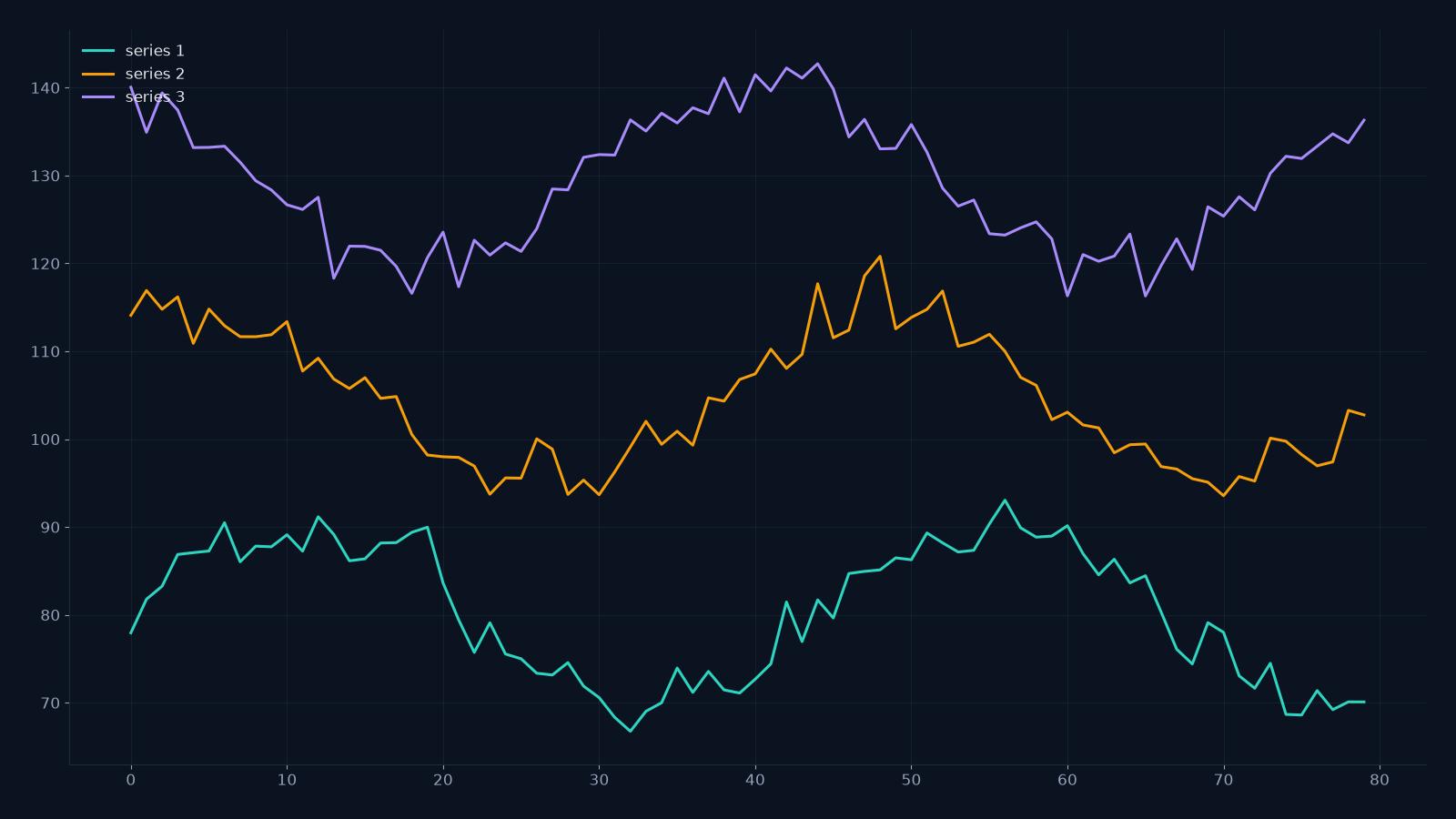
A univariate forecast looks at one series in isolation. A multivariate forecast looks at several series at once and uses their shared patterns. Timestral supports up to 8 numeric columns in one forecast, which is useful when the series are genuinely related: load and temperature, sessions and ad spend, production and vibration.
It is not useful when the series are unrelated. This guide explains the difference.
CSV forecast studio
Paste a series, get a probabilistic forecast.
One value per row, or a date column plus one or more numeric columns. Timestral returns a median forecast and a likely range. The demo runs on the public Hugging Face Space; the API is the paid product.
What “multivariate” means here
Each numeric column is a series. The model receives the history of all columns and forecasts all of them together. It can learn:
- shared seasonality (weekday/weekend patterns)
- shared shocks (a holiday affects both sales and traffic)
- lead-lag relationships (ad spend today affects sessions tomorrow)
- correlation in the residuals
The output is a forecast for each column, with the same 21 quantiles per step.
When to forecast together
Forecast together when the series are observed on the same timestamps and related at that timestamp. Examples:
- electricity load and temperature
- website sessions, signups and ad spend
- production output and machine vibration
- sales of related SKUs in the same store
- inbound calls and staffing levels
Forecast separately when the series are unrelated, have different frequencies, or have different histories. Putting unrelated columns in one file does not create information; it creates noise.
Covariates: known-future vs observed-past
A covariate is an extra variable that helps explain the series. There are two kinds:
- Observed-past covariates — known for the history but not the future, such as temperature or ad spend. The model can use them in the history, but you must provide a future path if you want it to use them for the forecast.
- Known-future covariates — known in advance, such as day of week, holidays, promotions, planned maintenance. These are the most useful because you can supply them for the forecast horizon.
Timestral’s Space interface takes numeric columns; it does not have a separate “known future” toggle. In practice, you encode known-future information as columns with a future path (for example, a promotion flag that is 1 on the planned dates). The model sees the column as another series and can learn its relationship to the target.
A safe multivariate workflow
- Start univariate. Forecast the target alone. Record the error.
- Add one related series. Forecast both together. Did the target error improve?
- Add the next series. Keep adding only if the target improves and the added series is genuinely related.
- Check the other forecasts. A multivariate model may improve the target while making a secondary series worse. Decide which series you actually need.
- Backtest with the same horizon. A one-step improvement may disappear at 12 steps.
- Watch for leakage. Do not include a column that is only known after the outcome (for example, “actual revenue” or “final order count”).
Correlation is not causation
A multivariate model learns correlations. If ice cream sales and shark attacks rise together in summer, the model may use one to predict the other. That does not mean ice cream causes shark attacks. For decision-making, ask whether the relationship is stable and whether you can intervene on the covariate.
If you need causal effects — “what happens if I change the price?” — use an experiment or a causal model, not a forecasting model.
Missing values and gaps
Timestral tolerates missing values. If one column has a gap, the model can still use the other columns. But a long gap in the target column reduces the useful history. If the gap is an outage, consider marking it with a separate indicator column so the model can learn that the missingness is informative.
A note on column limits
The studio accepts up to 8 numeric columns. If you have more, choose the most relevant series or run multiple forecasts. More columns are not always better: each column adds noise and compute.
What to read next
- What is Timestral? — the model family.
- How to format a CSV for Timestral — the input shape.
- Time-series forecasting use cases — where multivariate helps.
- API pricing — one credit per forecast call.
FAQ
How many columns can I forecast together?
Up to 8 numeric columns in the studio. The model itself supports more, but the studio caps the input to keep the first experience fast.
Do covariates need a future path?
Yes, if you want the model to use them for the forecast horizon. A column that stops at the last history point is only useful for the past.
Can I forecast series with different frequencies?
Not in one file. Resample to a common frequency first, or run separate forecasts.
Does a multivariate model always beat a univariate one?
No. It can help when the series are related, and hurt when they are not. Backtest both.